SMS Account Confirmation for Venmo
Phone number solutions for Venmo SMS authentication, offering stable delivery and global coverage.



 Instant access or money back
Create Your Virtual Phone Number


Benefits of Secure Phone Numbers for Venmo

Reliable Account Access
Receive SMS codes in seconds for smooth sign-ups, logins, and account recovery whenever you need them.

Spam Prevention
Keep your main phone line clear while using a dedicated number for your online platform accounts.

Instant Accessibility
Quick access is ensured through fast setup, seamless integration across devices, and a user-friendly interface.

Global Compatibility
Choose numbers from various countries, and manage accounts on worldwide platforms regardless of your location.

Flexible Plan Options
Select the rental period that works for you, from one-time use for setup to long-term account access.

Fast and Reliable Delivery
We guarantee stable and rapid delivery of SMS messages, even during peak usage times, so you're never left waiting.
How to Get a Number for Venmo
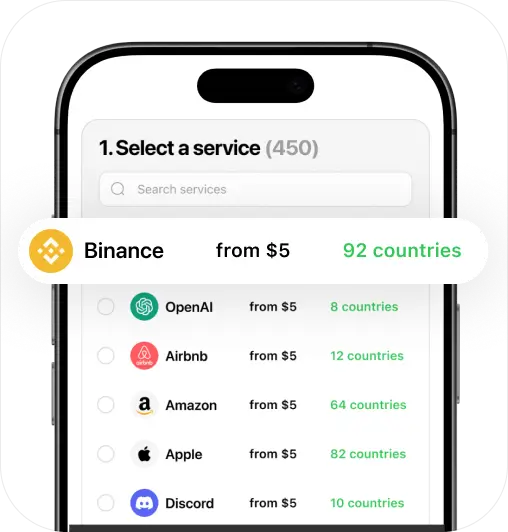
Choose Your Number
Select a number from a wide range of countries and services to suit your personal needs.
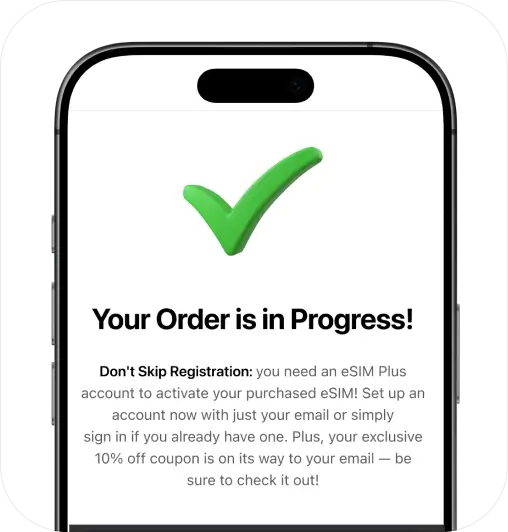
Proceed to Payment
Choose a payment method, and make a secure purchase of your new phone number.
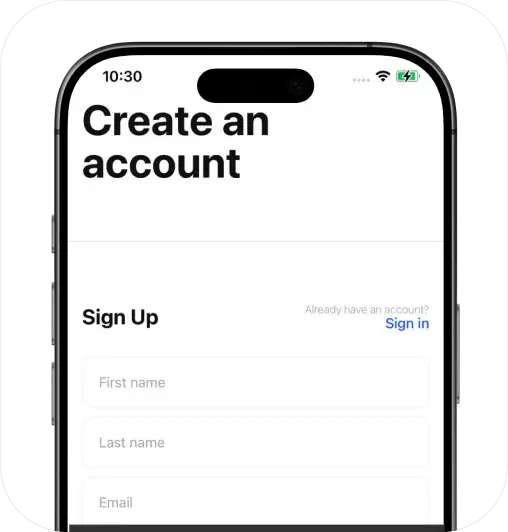
Sign Up and Activate
Create your personal account and prepare to activate your services instantly.
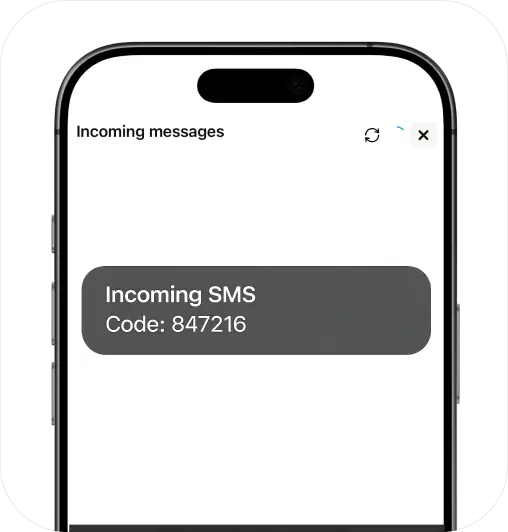
Start Getting SMS
Receive messages using your number through the eSIM Plus website or app (iOS & Android).
Stay Private, Go Virtual!
Keep your personal number secure with a virtual solution
Get StartedCompare & Choose: eSIM Plus vs. Other Apps
| eSIM Plus | Others | |
|---|---|---|
| Compatibility | 100% guaranteed | 50% failure rate |
| Privacy & Security | Personal data stays confidential | May compromise your privacy |
| Reliability & Control | Full access to your private number | Possible risk of losing access |
| Money-back Guarantee | Doesn't work? Get a full refund | Refunds are often unavailable |
| International Roaming | No roaming for global calls & SMS | Extra roaming fees may apply |
| Customizable Options | Broad selection of plans & numbers | Limited choice of available numbers |
FAQ
Is a Phone Number Required to Use Venmo?

Yes — Venmo requires a phone number to sign up and access your account. This supports secure account access and helps reduce fraud. The good news is you don’t have to use your primary number — a virtual number can work too.
To be compatible with Venmo, the phone number must meet the following criteria:
- It must be a U.S. number (from an American carrier or provider)
- It must be SMS-enabled so it can receive the SMS code
- It should be new to Venmo, meaning it hasn’t been used on another profile
Note: Most free virtual numbers, like those from Google Voice, may not work with Venmo due to security filters. For best results, use a virtual number from eSIM Plus, designed for reliable SMS delivery. Plans start at $8/month, with more savings on longer subscriptions.
Does Venmo ask the Last 4 Digits of a Phone Number?
Venmo may ask for the last digits of a recipient’s mobile number when you send money to that person for the first time. Venmo shows the name linked to the account and requests confirmation through a partial phone number match.
If you can’t provide this information, you can tap “I don’t know”. Venmo may then send the recipient an SMS so they can authorise the transfer. This helps avoid incorrect transactions and strengthens security during transfers.
How to get a virtual phone number for Venmo?
You can get a number easily. Here’s the simple process in 5 steps:
Get your U.S. virtual number from eSIM Plus: Choose a plan for the term you need.
Activate your number: After purchase, you’ll get access to an inbox where you can view the SMS it receives.
Create your Venmo account: Open the Venmo app and enter your new number when prompted.
Confirm with the SMS code: Venmo will send an SMS code to your virtual number. Open your inbox, copy the code, and enter it in Venmo.
You’re all set: Keep your virtual number active, as Venmo may need it later for sign-ins or account recovery.
Tip: Venmo virtual numbers from eSIM Plus start at $8/month, with better savings on extended monthly or yearly plans. They’re reusable, so you can keep the same number for Venmo and other apps.