SMS Account Confirmation for Amazon
Phone number solutions for Amazon SMS authentication, offering stable delivery and global coverage.



 Instant access or money back
Create Your Virtual Phone Number


Benefits of Secure Phone Numbers for Amazon

Reliable Account Access
Receive SMS codes in seconds for smooth sign-ups, logins, and account recovery whenever you need them.

Spam Prevention
Keep your main phone line clear while using a dedicated number for your online platform accounts.

Instant Accessibility
Quick access is ensured through fast setup, seamless integration across devices, and a user-friendly interface.

Global Compatibility
Choose numbers from various countries, and manage accounts on worldwide platforms regardless of your location.

Flexible Plan Options
Select the rental period that works for you, from one-time use for setup to long-term account access.

Fast and Reliable Delivery
We guarantee stable and rapid delivery of SMS messages, even during peak usage times, so you're never left waiting.
How to Get a Number for Amazon
Choose Your Number
Select a number from a wide range of countries and services to suit your personal needs.
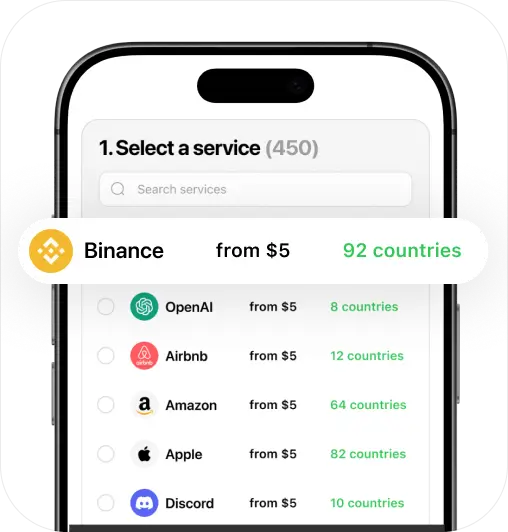
Proceed to Payment
Choose a payment method, and make a secure purchase of your new phone number.
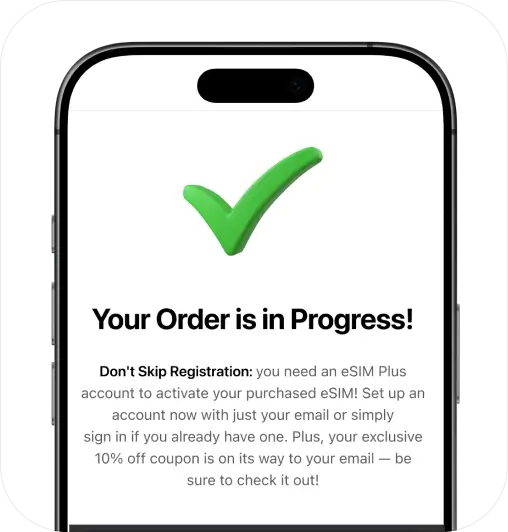
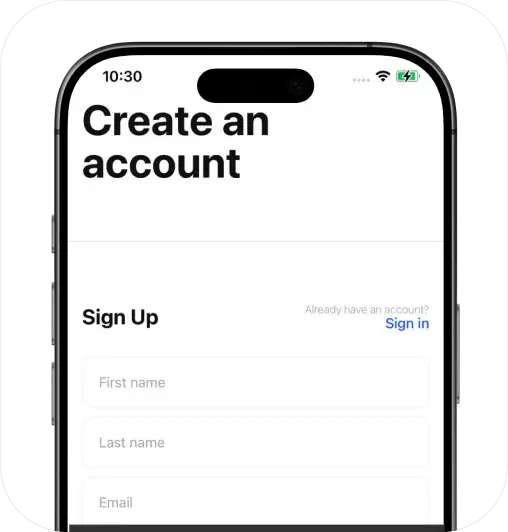
Sign Up and Activate
Create your personal account and prepare to activate your services instantly.
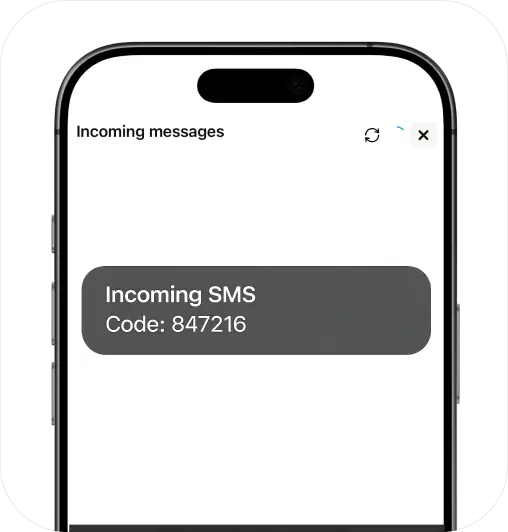
Start Getting SMS
Receive messages using your number through the eSIM Plus website or app (iOS & Android).
Stay Private, Go Virtual!
Keep your personal number secure with a virtual solution
Get StartedCompare & Choose: eSIM Plus vs. Other Apps
| eSIM Plus | Others | |
|---|---|---|
| Compatibility | 100% guaranteed | 50% failure rate |
| Privacy & Security | Personal data stays confidential | May compromise your privacy |
| Reliability & Control | Full access to your private number | Possible risk of losing access |
| Money-back Guarantee | Doesn't work? Get a full refund | Refunds are often unavailable |
| International Roaming | No roaming for global calls & SMS | Extra roaming fees may apply |
| Customizable Options | Broad selection of plans & numbers | Limited choice of available numbers |
FAQ
Why do I need to receive an Amazon SMS code?

Amazon sends SMS codes to help keep your account secure and confirm it’s really you. Whether you’re signing in from a new device, updating payment information, or creating a new account, you may be asked to confirm account access by SMS.
It’s a quick step — but an important one. Without it, you might be locked out of your Amazon account or unable to complete purchases.
Can virtual numbers be used for Amazon account access?
Yes — you can use our virtual phone numbers to receive Amazon SMS codes for sign-in checks, account recovery, and other security needs. It’s simple, reliable, and takes just a few minutes.
How to get a virtual phone number for Amazon?
You’re in the right spot — just follow these 4 steps:
Step 1 – Pick a virtual number that supports Amazon from the list above.
Step 2 – Purchase your number. It activates instantly, and the SMS inbox is ready to go.
Step 3 – Head to Amazon and enter your new virtual number when prompted.
Step 4 – You’ll receive an SMS code. Copy it, confirm your account, and you’re in.
That’s it — your number is set up for ongoing access. Keep it active for future sign-ins and account recovery.